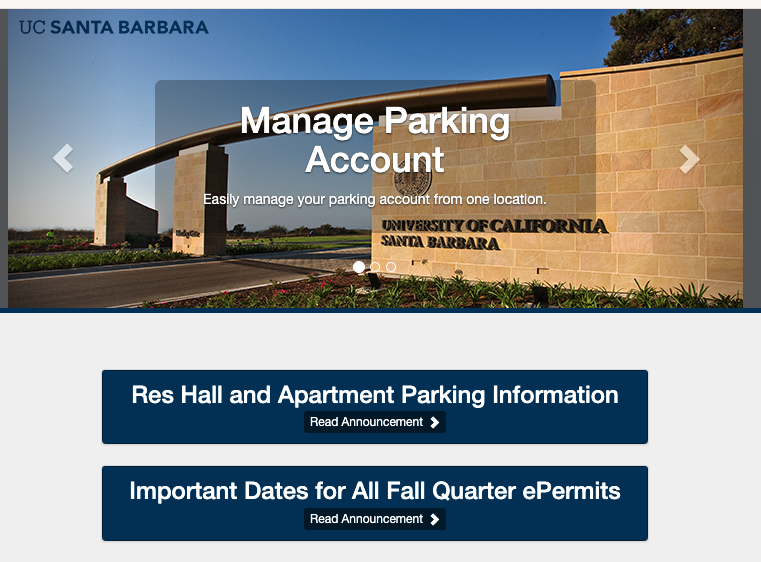
Instructions on how to apply for the “H” Residence Hall and Apartment. A very limited number of parking spaces are available for residential students. Parking is not guaranteed and some lots may be located up to one mile away from your residence.
Note: First-year students, including those with enough credits to be classified as sophomores, are prohibited from bringing vehicles to campus during their first year (fall through spring quarters). They are not eligible to purchase any campus parking ePermits, including daily, weekly, or quarterly permits.
To request an ePermit, follow the steps below:
-
Log in to TPS ePermit Portal by clicking on the Student & Guest Login button: UCSB Parking ePermit Portal
Important Note: If you are a new user, you will need to create an account. Please allow up to 3 business days for your account to be reviewed and updated to reflect your eligibility. You will receive an email when this is has been completed and you will be able to move on to step 3 below "ePermit Approval Request."
-
On the bottom of the main page, click on the ePermit Approval Request/TAP Application button
-
A window will pop-up, select For Parking ePermit requests, click here
-
Select Res. Hall or Apartment Request from the drop down menu. Review and agree to the three statements listed and click Next >>.
-
Enter the residence hall or apartment location you will be moving into in the text box. Upload a copy of your current vehicle registration. Click Submit.
-
Your permit request will be reviewed and you will receive a response within 3 business days. Note: Permit requests that are submitted without vehicle registration information will not be considered.


